PicText
Free photo mosaic editor & text mosaic maker.
Fill letters with photos, create mosaic typography, put text behind an image subject, and download a PNG — drafts stay on your device.
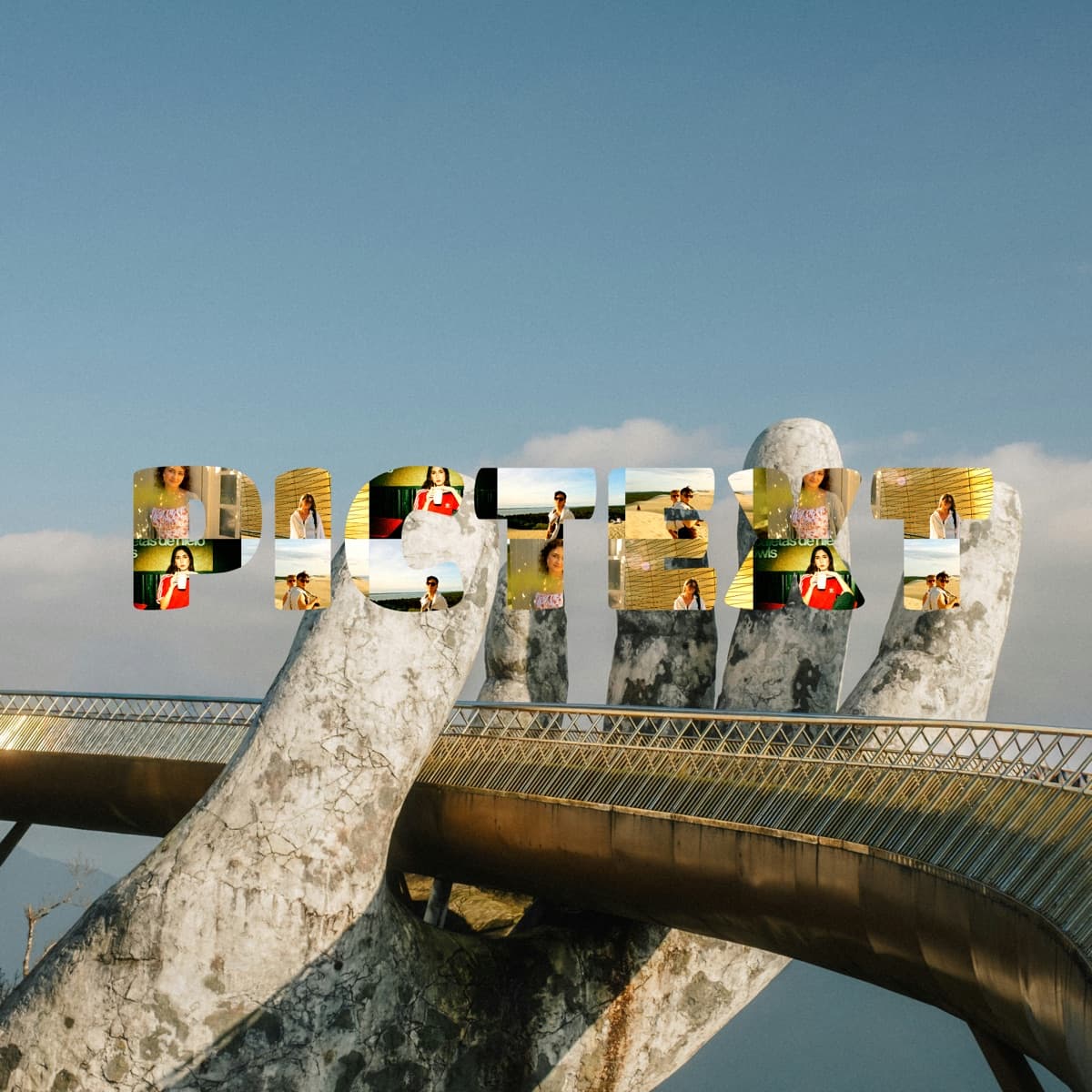
Made with PicText — photo mosaic examples
Short words work best for text mosaic and photo word art — names, trips, dates, anything you’d print.

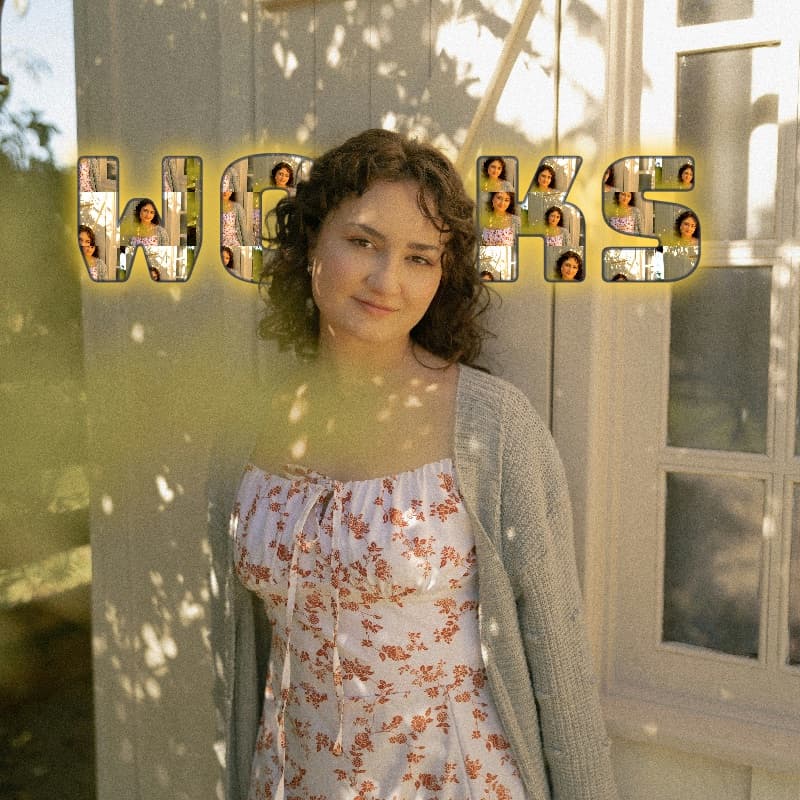

Photos of people and places inside these mosaics are from Unsplash.
Built for quick, private mosaics
PicText is a free photo mosaic editor and text mosaic maker: each letter is a mask, and your photos tile inside as mosaic typography or photo word art. Change font, grain, filters, and background — or place text behind an image subject — then export a transparent PNG.
Everything runs in your browser. Drafts stay on your device.
How the photo mosaic editor works
- 1
Type
A short word and a font for your mosaic letters.
- 2
Drop photos
They fill every letter as a photo mosaic.
- 3
Download
PNG export — transparent, or with text behind your subject.
Photo mosaic & text-behind FAQ
Answers about the PicText photo mosaic editor, text mosaic maker, text behind image, exports, and privacy.
- What is PicText?
- PicText is a free online photo mosaic editor and text mosaic maker. You type a word, upload photos, and those photos tile inside each letter as mosaic typography. You can also place text behind an image subject and download a transparent PNG.
- How do I make a photo mosaic from text?
- Sign in to PicText, type a short word, upload one or more photos, and the app tiles them inside each letter. Adjust font, filters, canvas shape, and tile shuffle, then download your photo mosaic as a PNG.
- Can I put text behind an image?
- Yes. PicText is a text-behind-image editor: add a background photo, turn on Text behind, and the app cuts out the subject so your mosaic letters sit behind the person or object while the scene stays visible.
- Is PicText a free photo editor?
- Yes. PicText is a free browser-based photo mosaic editor. Sign in with Google to open the editor, create mosaic typography, use text-behind-image, and export PNGs at no cost.
- Does PicText upload or store my photos?
- No. Editing runs in your browser. Drafts stay on your device. PicText does not upload your photos to a server for mosaic or cutout processing.
- What can I export from PicText?
- You can download a PNG of your photo mosaic text. Exports support transparent backgrounds, landscape, portrait, and square canvas sizes — useful for posters, social posts, and print.
- What is the best use case for a text mosaic?
- Short words work best: names, trips, dates, events, or brand words. PicText turns your photos into letter-shaped mosaics — ideal for gifts, social graphics, and photo word art.
Ready when you are
Open the free photo mosaic editor and make your first piece in a minute.